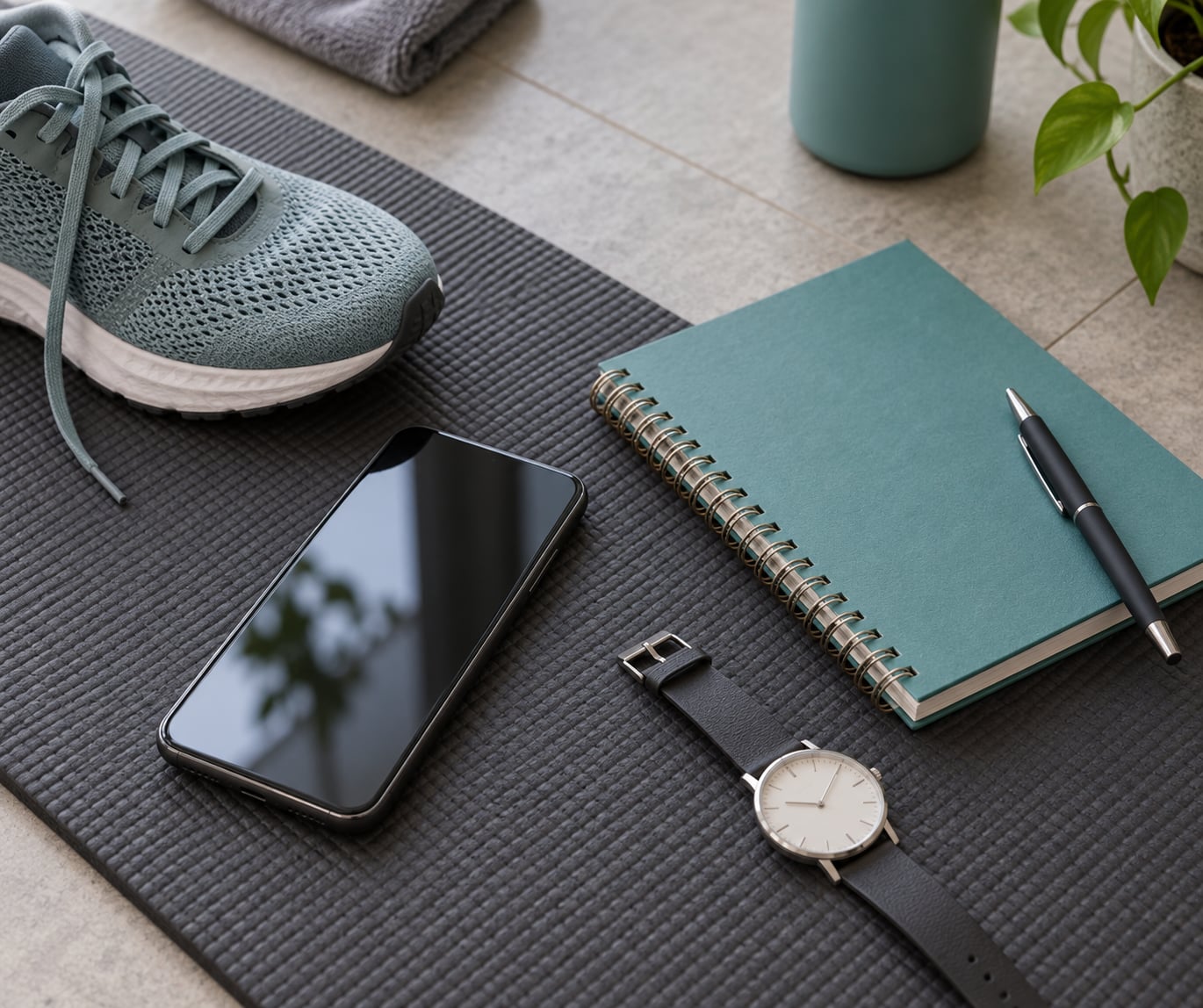
You can track workouts without a smartwatch by writing down what you did while you still remember it, and most people need nothing more than a phone, a notebook, and a timer. The phone gives you step counts, distances and GPS routes for free; a paper log handles the gym sessions where no device belongs. Setting up a system that lasts takes about fifteen minutes.
I kept a paper log for years before I ever owned a wrist tracker, and the honest reason it worked is that it asked almost nothing of me. Ten seconds after a session, one line: what I did, for how long, and how hard it felt. That is the whole system, and it is what I walk you through below.
Table of Contents
- What You Need
- How to Track Workouts Without a Smartwatch Step by Step
- 1. Decide What You Want to Measure
- 2. Create a Simple Workout Record
- 3. Record the Session During or Right After Exercise
- 4. Time Intervals and Count Reps Without a Smartwatch
- 5. Review Your Progress Each Week
- Common Mistakes
- Frequently Asked Questions
- Can you track a workout on an iPhone without a watch?
- Why is my pedometer app inaccurate?
- Is there a fitness tracker without a subscription?
- How accurate are phone step counters compared to smartwatches?
- How do I log a gym workout when I do not carry my phone?
- Do I have to keep the screen on for tracking to work?
- Conclusion: Start With One Simple Log
What You Need
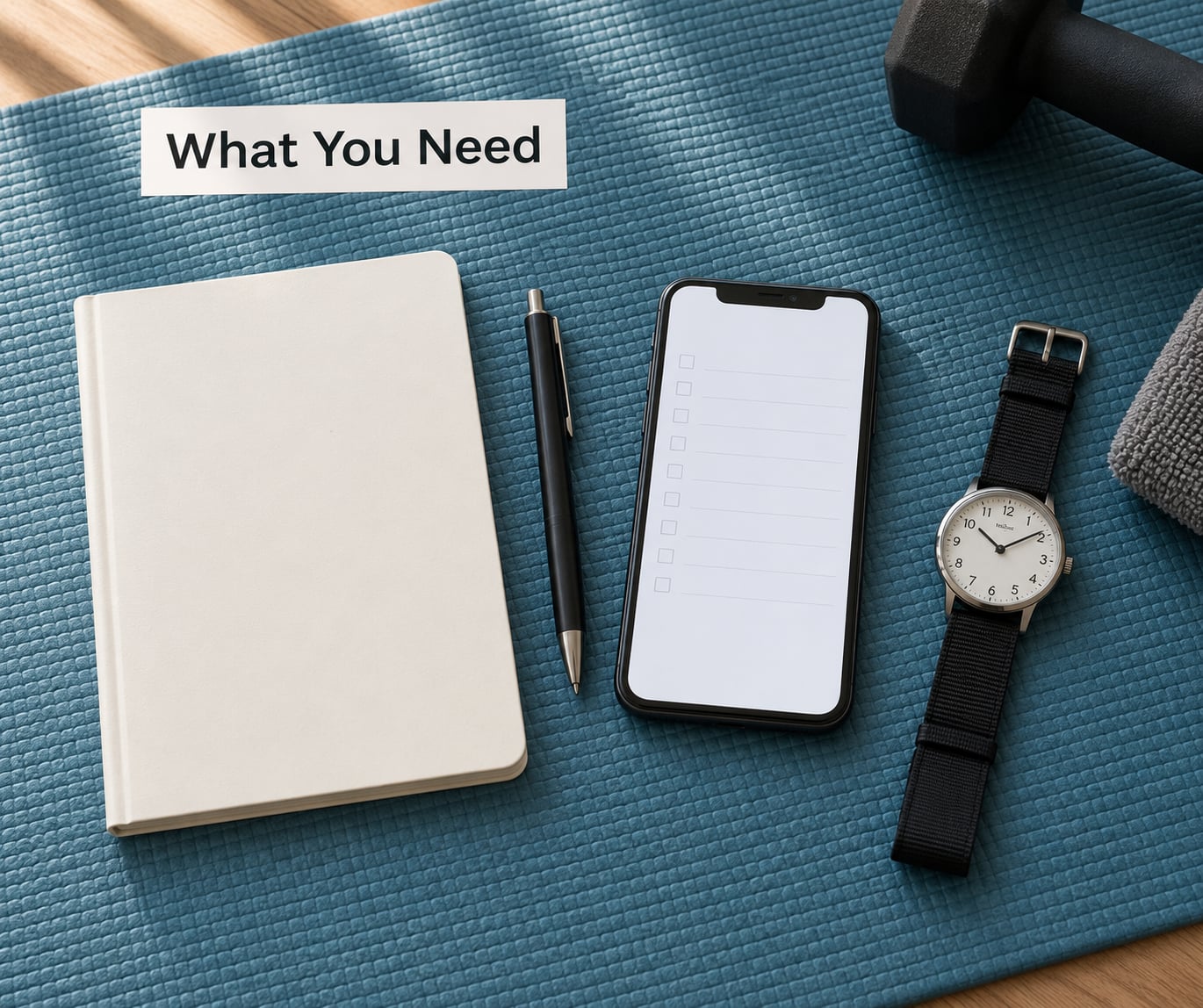
Nothing here is special equipment. If you own a phone and something to write with, you can start tonight.
- A smartphone. It already counts steps, measures distance and holds your history. Optional in every sense, but most of the useful numbers come from it.
- A notebook or a notes app. Paper suits you if you train somewhere your phone should stay in a bag. A notes app suits you if you want the log searchable.
- A pen. Non-negotiable for the paper method, and the whole cost of the system.
- An ordinary watch or a kitchen timer. Any watch with a second hand works. This is the piece most people already own and never think to use.
- A fitness app, if you want automatic tracking. Your phone’s built-in health app is the easiest place to begin, and it does not ask for a subscription.
Here is the short version of the options, ranked by how little fuss each one takes:
- Your phone’s built-in health app. Free, automatic, already installed. Best for walking, running and everyday steps.
- A dedicated pedometer app. Pedometer++ on Android and StepsApp on either platform are the ones people in step-tracking communities recommend most, because they stay free and skip the account setup.
- A GPS workout app for runs, walks and rides. Records a route map, pace and splits. Worth it for anything outdoors where the distance matters.
- The gym machine’s own display. Treadmills, ellipticals and bikes log time, distance and calories, and you copy the numbers into your log on the way out.
- A clip-on or Bluetooth pedometer. A small device that counts steps and syncs to your phone later. The answer for treadmill work and shopping-cart walking, where the phone is not on your body.
- Manual entry in your health app. Type the session in after the fact so your history stays complete.
- A paper log. The old-fashioned option, and the only one that never fails because a battery died.
- A fitness band or ring as a middle ground. Wrist-free and screen-free, still wearable hardware, often without a monthly fee.
How to Track Workouts Without a Smartwatch Step by Step
1. Decide What You Want to Measure
Pick two or three things to track and stop there. People abandon logs because they try to record everything, then run out of energy by week three.
For walking and weight loss, steps and active minutes tell the truth you need. For running, add distance and pace. For strength work, the numbers that matter are sets, reps and load on each lift, not calories.
Your choice of metrics is what makes it easy to know the log worked. If you picked distance and pace, a good week shows either a longer route or a faster one on the same route.
2. Create a Simple Workout Record
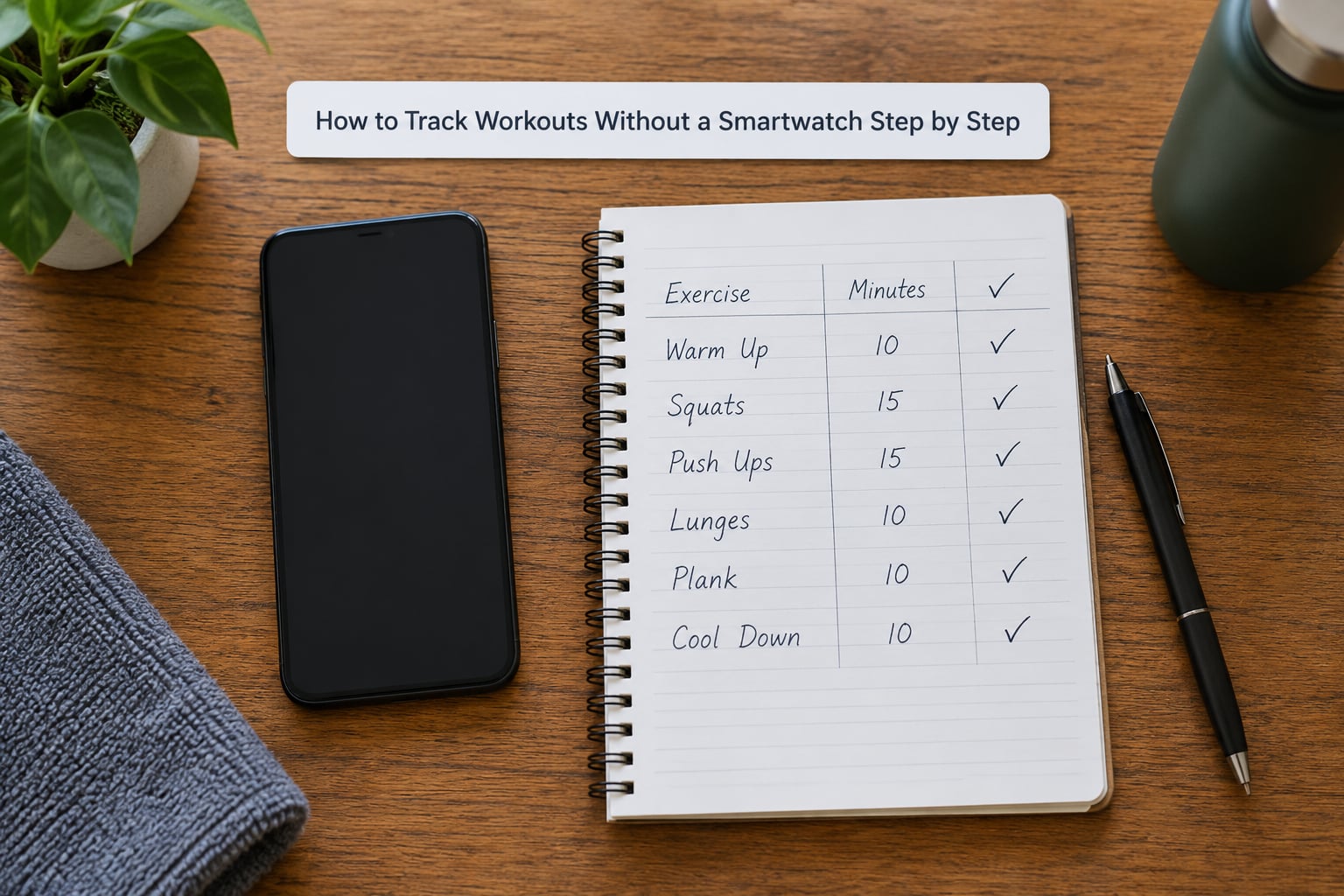
Give yourself five fixed fields and no more: date, activity, duration, intensity, notes. Intensity works well as a 1 to 10 scale you define once, or as three plain words like easy, moderate, hard.
Set the record up before your first workout, not after. The slowest part of any habit is the setup, and doing it at the moment you are already motivated removes most of the friction.
A spreadsheet works if you want to total your week automatically. A phone note works if you want zero friction. A notebook page works if you want it to work with no battery involved.
3. Record the Session During or Right After Exercise
Write within about ten minutes of finishing. Memory for weight and reps fades fast, and a session you cannot reconstruct is a session you cannot learn from.
For outdoor work, most phones can start a workout from the lock screen or control centre, which records GPS, distance, pace and elapsed time in one tap. Check that the app has location permission before you start, not halfway down the road.
For gym work, write the exercise order as you go: name, sets, reps, and the weight on the last working set. Order matters more than precision. Knowing that squats came before deadlifts on Tuesday is enough to reconstruct the session.
4. Time Intervals and Count Reps Without a Smartwatch
Your phone already does the timing, you just have to know where the controls are. The clock app has a timer with a lap or interval option, and any voice assistant can start one hands-free if you are mid-set.
For distance on foot, measure the route once with a maps app and write the number in your log. Repeating a known route gives you a figure you can trust without any electronics at all.
For reps, count out loud in sets of ten and write the total. It sounds old-fashioned, but it is more accurate than most devices and it costs you nothing. If you want an automatic count, a cheap clip-on pedometer or a simple fitness band handles the job.
5. Review Your Progress Each Week
Set aside ten minutes once a week and compare the last seven sessions with the seven before them. Look for one trend, not twenty: total minutes, distance, load, or how hard the same session felt.
Then choose exactly one goal for the coming week. A single goal is what keeps a log going. Five goals is a project, and projects get abandoned.
If you see no change in the numbers but the sessions feel easier, that is progress too, and perceived effort belongs in the record alongside everything else.
Common Mistakes
Almost every abandoned workout log fails the same way. Here is what goes wrong and the correction that fixes it.
- Estimating instead of recording. Rounded numbers drift, and a week of guesses is worse than no log at all because it looks like data. Write the figure while it is on screen.
- Writing it down too late. Details about weight, reps and how hard a set felt are gone within the hour. Write immediately or do not bother logging the details.
- Tracking too many metrics. Pick two or three and stay with them. A log you can fill in thirty seconds after training survives; a spreadsheet with twelve columns does not.
- Changing the plan every week. Switching exercises constantly means no two sessions can be compared, which defeats the point of keeping records. Hold the routine steady long enough to see a trend.
- Treating calorie numbers as truth. Phone and machine estimates for calories burned vary widely between devices and are not a reliable measure of effort. Rate how hard it felt instead.
- Counting steps the phone cannot feel. A phone sitting in a bag on a treadmill or clipped to a shopping cart misses most of what you did, and the same apps can add phantom steps while you stand and shift your weight. Keep the phone on your body, or use a clip-on pedometer for those sessions.
- Letting the log lapse. Missing three days in a row is where most habits end. Write one line for a bad session instead of skipping the entry, because an imperfect record still shows the pattern.
One more habit worth keeping: back up a phone-based log. Screenshots of your weekly summary in an email to yourself cost nothing and save you the frustration of losing the history.
Frequently Asked Questions
Can you track a workout on an iPhone without a watch?
Yes. An iPhone counts steps, measures distance and records GPS workouts using its built-in motion sensors, and none of it requires an Apple Watch. Open the Health app to see steps, walking and running metrics, or start a workout from the clock app to log route, pace and splits. What you lose without a wrist device is continuous heart rate and automatic lap detection.
Why is my pedometer app inaccurate?
Most often the phone is not on your body. A phone in a handbag, a backpack or on a treadmill arm misses much of the movement, while apps can also register phantom steps when you shift your weight while standing still. Keep the phone in a pocket, check that background activity permission is on, and turn off battery saver, which silently stops tracking.
Is there a fitness tracker without a subscription?
Plenty. Your phone’s built-in health app, Google Fit, Samsung Health and simple pedometer apps all work at no cost and without a paid tier. A few apps unlock extras through a one-off purchase rather than a monthly plan, but the core step and workout tracking you need is free.
How accurate are phone step counters compared to smartwatches?
Phone step counts typically land within roughly 5 to 15 percent of a wrist device under normal conditions. The gap widens when the phone is not on your body, and you can see counts differing by several hundred steps between devices on the same walk. Treat phone numbers as directionally useful for trends rather than exact.
How do I log a gym workout when I do not carry my phone?
Keep a paper sheet or a small notebook in your gym bag with columns for exercise, sets, reps and weight. Write each line as you finish the exercise, then total the session when you are done. Back at home you can type the whole thing into your health app as a manual entry so your history stays in one place.
Do I have to keep the screen on for tracking to work?
No. Once you grant activity and location permission, the phone’s motion coprocessor counts steps with the screen off and the phone in your pocket. GPS workout apps do keep the screen awake for the duration of the session by design, which is one reason some people prefer a step log or a clip-on pedometer instead.
Conclusion: Start With One Simple Log
Open your phone’s health app tonight, walk for twenty minutes with the phone in your pocket, and write the result in a notebook tomorrow morning. That is the whole first step, and once you have three sessions on paper you will know quickly whether you want the phone apps, a clip-on pedometer or nothing but pen and paper.